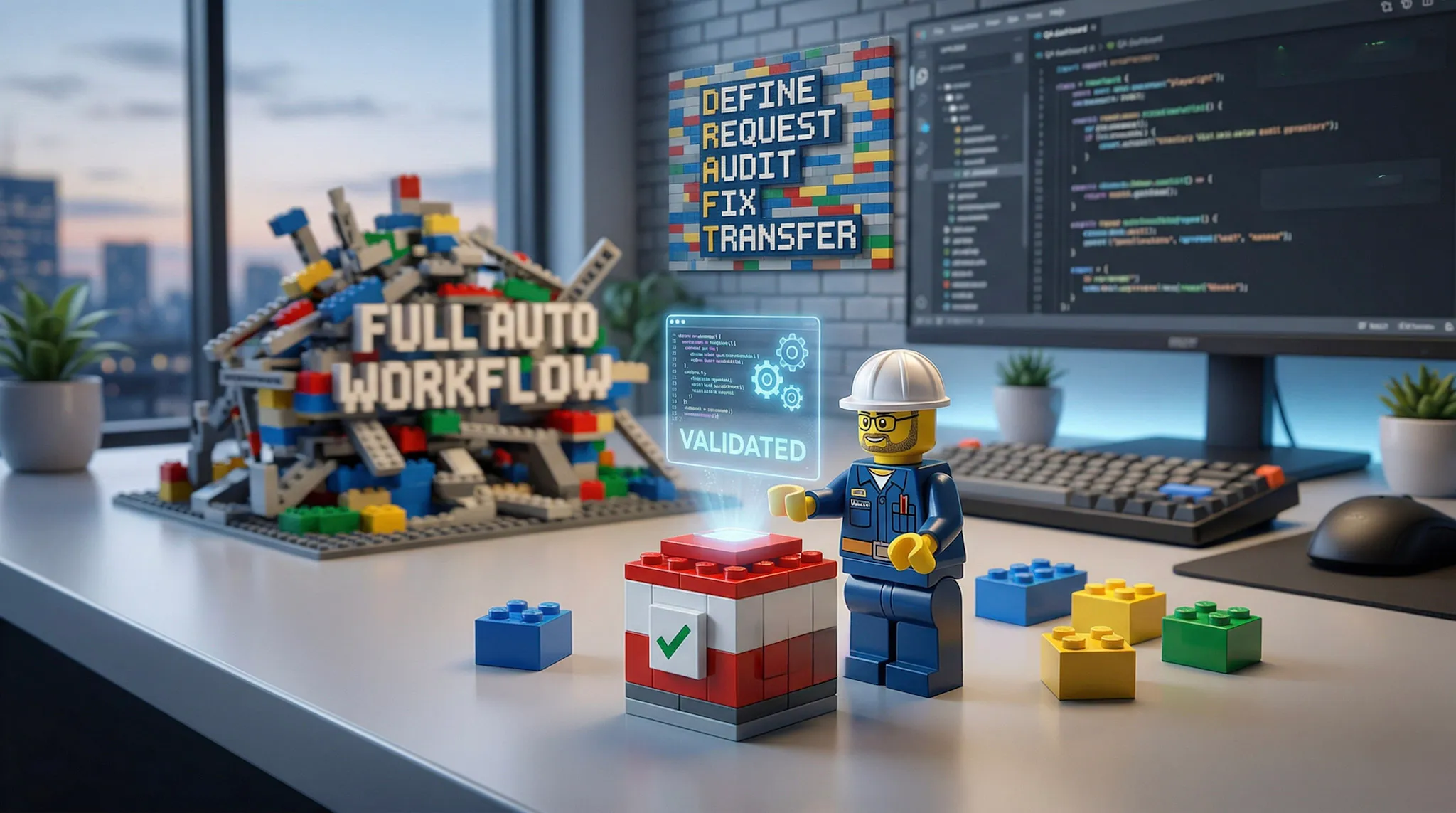
We are living in a time where agentic frameworks, copilots, and powerful foundation models are everywhere. The models have come a long way. They can reason better, write better, and often give you a very good first draft of real work.
But this post is not about building a fully autonomous agent.
It is about something much simpler and, for many teams, much more useful: how to get started using AI for the regular tasks that show up in day-to-day work.
This idea came out of conversations with colleagues of mine. A few of them approached me with the same question: how do I actually get started using AI in my regular work?
They did not want hype. They wanted a simple, practical way to begin.
I did not want to turn them into overnight prompt engineers. I wanted to give them a simpler, safer way to get started.
So I came up with an approach that was intentionally grounded:
- start with one small, repeatable task
- use AI to produce a first draft
- validate every step
- fix what is wrong
- turn the final result into something reusable
That is the method.
I find it helpful to think about this like Lego.
A bigger workflow can feel intimidating when you look at it all at once. There are too many moving parts, too many places where things can go wrong, and too much to validate in one shot.
So instead of trying to automate the whole workflow in one go, break it into smaller pieces.
Build one piece.
Validate it.
Keep it.
Then move to the next one.
Over time, those pieces start to connect. What began as one simple task becomes part of a larger workflow, but you got there without feeling overwhelmed.
You do not build trust in AI by going bigger. You build it by going smaller.
To keep the focus on the method, I am using a simplified example here: collecting logs and screenshots after a failed test run. Depending on the team, that might mean bundling existing evidence files, or using a tool like Playwright to capture a fresh screenshot at the point of failure.
The example is just the teaching aid. The real takeaway is the repeatable method behind it.
The D.R.A.F.T. method
“A believable answer is not always a safe one.”
D: Define the manual task
Write down the task exactly as you do it today.
For example:
1. Open the logs folder2. Copy the application log3. Copy the browser console log4. Open the screenshots folder5. Copy the screenshots related to the failed run6. Create a timestamped folder7. Move the files into it8. Zip the folder9. Share it with the teamThis step matters more than it looks.
If you cannot explain the task clearly, you are probably not ready to automate it yet.
R: Request a first version
Now ask AI to turn those manual steps into something repeatable.
That could be:
- a few commands
- a simple script
- a template
- a checklist
- a small tool flow
The important part is this: ask for a first draft, not blind certainty.
AI is great at helping you get started faster. That does not mean the first answer is correct.
A: Audit everything manually
This is the most important part of the whole process.
Run each step yourself. Check the output. Compare it to what you actually wanted.
Do not assume the answer is right just because it looks polished.
A believable answer is not always a safe one.
AI is not the automation. Validated output is.
F: Fix using real errors
If something fails, feed the exact error or bad behavior back into AI and ask it to adjust the solution.
That is where the real learning starts.
You are not just collecting output. You are building a step you actually understand and trust.
If you cannot validate the step, you are not ready to automate it.
T: Transfer to your toolkit
Once the step works, do not leave it trapped in a chat thread.
Turn it into something reusable:
- a script
- a short guide
- a template
- a reusable prompt
- a small tool
- a runbook
The script is what your team runs. The runbook is what your team follows. The prompt is what helps you improve the artifact later.
One Lego piece at a time
Collecting logs and screenshots is not the workflow. It is one piece of the workflow.
A larger QA flow might include:
- prepare test data
- run the test
- collect logs and screenshots if it fails
- fetch the linked work item and acceptance criteria
- package evidence
- share artifacts for analysis
- clean up test data
Trying to automate all of that at once is a good way to get overwhelmed.
A better approach is to build one reliable piece at a time. Once one piece is stable, move to the next. Over time, those pieces start to connect into something much more capable.
Treat each task like a Lego piece. Build it safely, then connect it to the next one.
Where MCP servers fit in
This is also where something like an Azure DevOps MCP server can become useful.
You do not need to start by building a giant agentic system. You can start with one small MCP-backed capability, like fetching a work item by ID or pulling acceptance criteria for a failed test.
Today it might be a script. Tomorrow it might be an MCP-backed task. Either way, it is still one Lego piece.
The tool can change. The method stays the same.
Final takeaway
AI is now good enough to help with regular engineering work. But getting started does not need to begin with agents, orchestration frameworks, or a giant end-to-end workflow.
Do not start with agents. Start with the annoying task you already hate doing.
Start small. Let AI help with the first draft. Validate everything. Turn what works into something reusable. Then build the next piece.
The real win is not fewer clicks. It is less friction around the work that matters.